What is motion graphics video, and when should you use it?
Motion graphics are designed graphics and type, set in motion. Use them to explain what a camera cannot show: a process, a system or a set of numbers. They are clear where AI scenes are emotional, and many films use both.
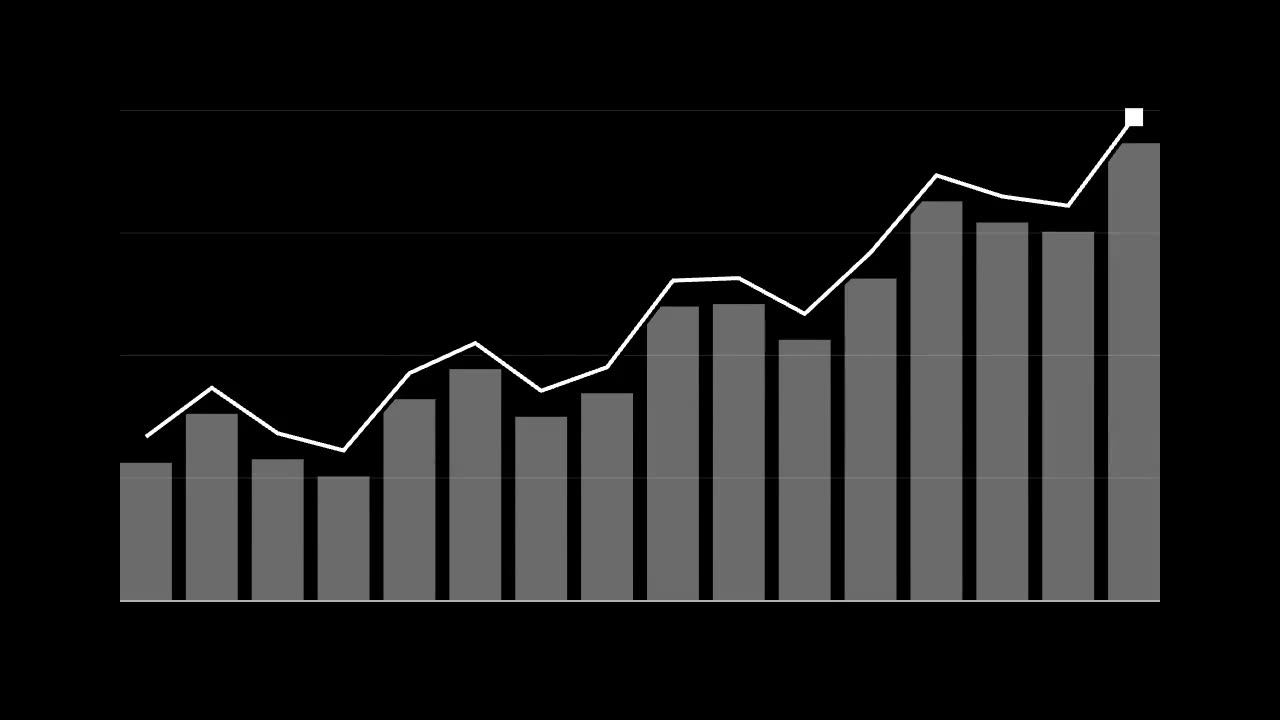 Motion graphics
What is motion graphics, in plain terms? It is graphic design that moves. Type, shapes, icons, maps and charts, animated to explain or to emphasise. A marketing director usually meets it as a request: "Can we make these numbers interesting?" This guide answers that, and helps you choose between motion graphics, AI scenes and a shoot.
Motion graphics meaning
Motion graphics are designed elements set in motion over time. They are built from layouts and type, not from the world. The most familiar examples are a title sequence, a logo that animates, a chart that draws itself and an explainer that walks through a process.
Nothing has to exist before you begin. No location, no cast, no product. That is the whole strength of the form. If you can draw it, you can move it.
Motion graphics vs animation
Motion graphics is a kind of animation, so the two overlap. The usual difference is what each one is for.
| Motion graphics | Character animation | |
|---|---|---|
| Main subject | Information and type | Characters and story |
| Main job | Explain or emphasise | Make you feel for someone |
| Typical use | Explainers, data, titles, logos | Stories, series, mascots |
| Built from | Layouts and design systems | Drawn or rigged performance |
Many films mix the two. What matters is the job you need done, not the label.
When to use motion graphics, AI scenes or a shoot
Each of the three does one thing best. Start with what the viewer must take away.
| You need to show | Best tool | Why |
|---|---|---|
| A process, a system or a set of numbers | Motion graphics | Clear, exact and easy to correct |
| A feeling, a place, a story | AI scenes | Rich pictures with no location or crew |
| A real person speaking | A filmed element inside an AI film | We recommend filming real people |
| An exact product in use | AI scenes from real product references, or footage | The product must stay accurate |
| Steps people must follow exactly | Motion graphics | Generated images invent details |
Motion graphics beat AI scenes whenever accuracy matters. An AI model can invent a number, garble a word or add a sixth step to your five-step process. A motion designer places what you approved, and only that. If legal must sign off on each figure, this is the safer choice.
AI scenes win when you need an audience to care. Nobody cries at a bar chart. For that reason, many of the best films use both: AI scenes to make you feel the problem, motion graphics to explain the answer.
Turning data into a film people can follow
Data visualisation is the hardest part of this work, because a viewer cannot pause and study a chart the way a reader can. Their eyes get a few seconds, and then the next idea arrives. These rules help.
- One idea per chart. Write the point of the chart as a sentence. If it takes two, make two charts.
- Say the conclusion in the headline. "Sales doubled" is better than "Sales, 2024 to 2026".
- Build in the order of the argument. Show the baseline first, then the change.
- Cut the numbers. Show the three that matter. Link the rest in a report.
- Give it time. Count how long it takes to read aloud, then add a beat before the next one.
- Use one accent colour. Grey for context. One colour for the thing you want seen.
- Have someone check the scale. Animated bars can mislead as easily as printed ones. Whoever owns the data signs off the final chart, not just the script.
Three or four charts in a 60-second film is usually a sensible limit. Beyond that, viewers stop following and only see movement.
Motion graphics in Arabic and English
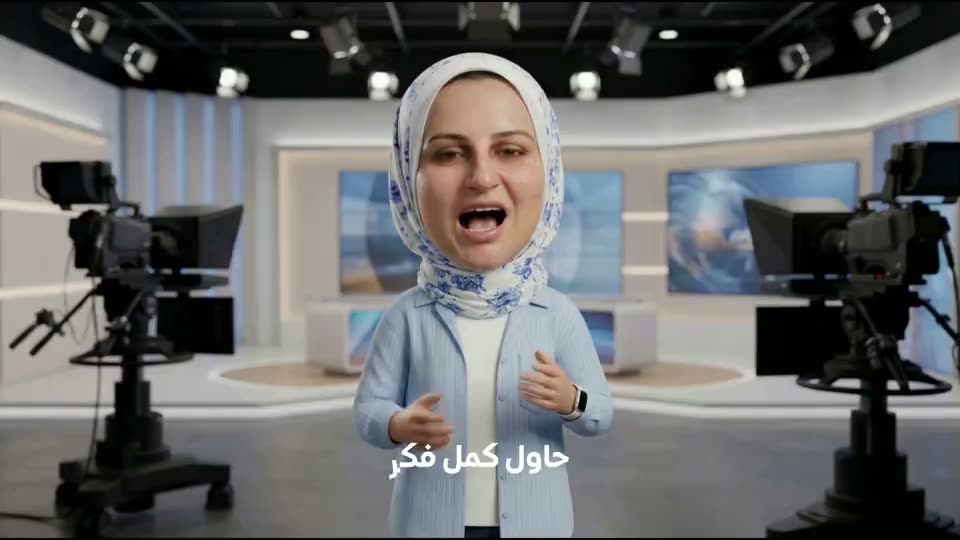
Arabic motion graphics need their own thinking, not a translation pass.
- Direction. Arabic reads right to left, so a timeline or a reveal should usually move that way too. Charts need a decision, not a default.
- Joined letters. Effects that split a word into letters break Arabic. Words join, so animate them by word or by line, or use effects made for a joined script.
- Length. The same message can run longer or shorter in each language. Plan layouts that can hold both.
- Numerals. Decide on one numeral style with your brand team, and keep to it.
- Fonts. Check the Arabic weights at small sizes on a phone. Some display fonts lose their dots and marks in motion.
- Review. A native reader checks the final render, not only the text file, because a broken letter join only shows up on screen.
Our Arabic AI video page goes further on voice and dialect.
Mixing motion graphics with AI scenes
Here is a decision from our own work. In our showreels, every title sits on a separate layer, rendered from code and placed over the AI footage. We do not ask an AI model to write words into the picture. Generated type tends to come out wrong, and it cannot be changed once it is in the shot. Keeping it as a layer means it stays sharp, and any word can be changed without touching the footage.
The same logic applies to your film. Generate the world. Set the words and numbers in the edit. Three things keep the mix from looking pasted together:
- Match the light and colour. Pull the graphics' palette from the graded footage.
- Share the motion. Use the same easing and pace across graphics and scenes.
- Plan the space. Tell the generation stage where the type will sit, so the shot leaves room for it.
What a motion graphics video costs to plan
The main things that move it are length, the number of charts, the depth of the animation (flat, layered or 3D), voice and the number of languages. A 60-second explainer with an AI voice, medium motion graphics and three charts plans at SAR 8,000 to 13,000 (USD 2,100 to 3,500) Calculator estimate, before VAT. Try your own version in the budget calculator, where motion graphics and data visualisation are separate choices. To see how we approach this work, read about motion graphics video.
What is motion graphics, for a brief
Is motion graphics the same as an explainer video?
No. An explainer is a kind of film. Motion graphics is one way of making it. Explainers can also use AI scenes, filmed people or a mix.
Can AI make motion graphics now?
AI can help with drafts, images and textures, and code can render type and charts very precisely. For a chart or a claim that must be exact, a person still places and checks every value.
What should we send to start?
Your data, the one point you want to make, your brand guide and the languages you need. A rough script is better than none.